

01
A discovery in the roots
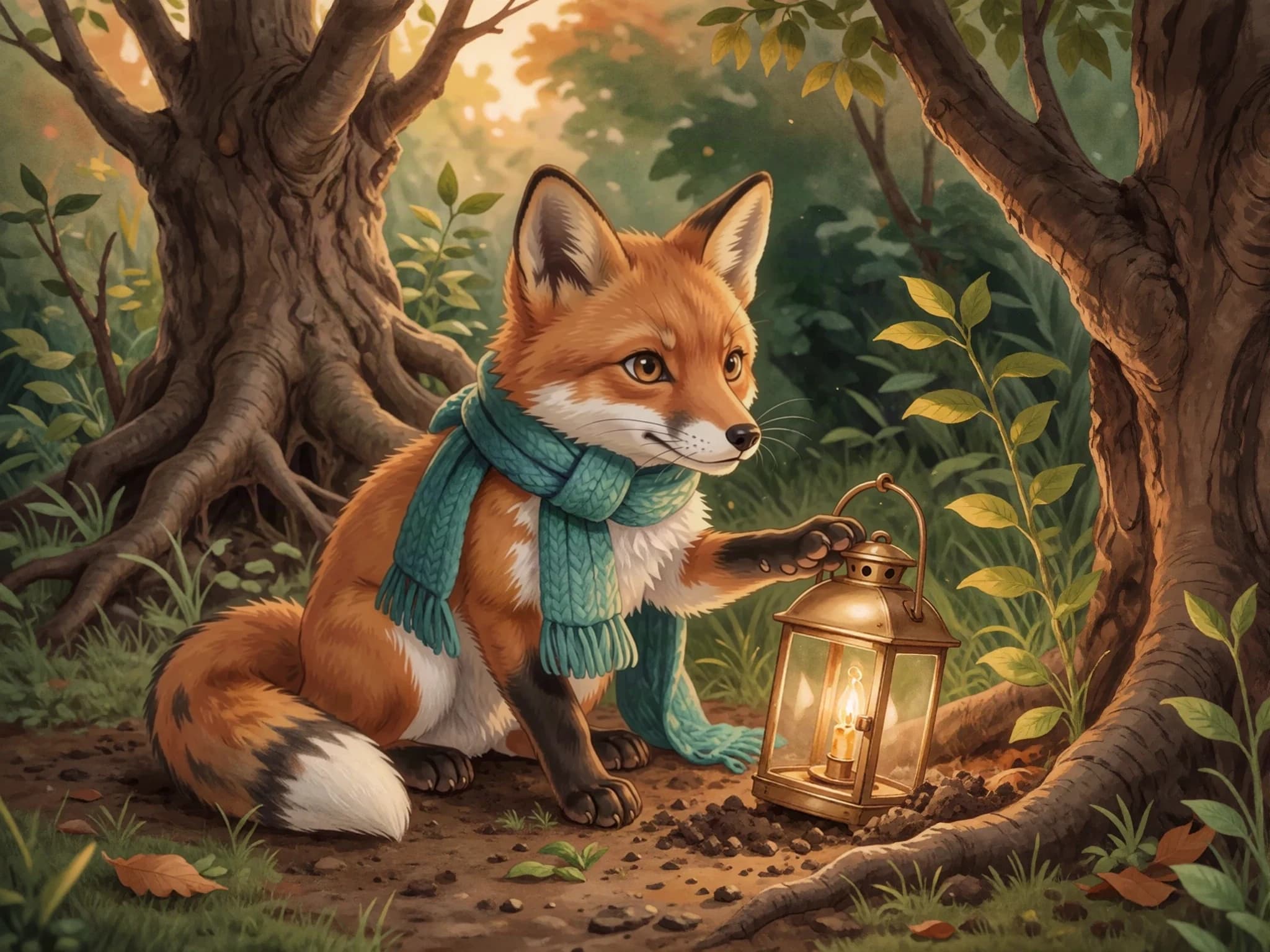
Under a tangle of willow roots, Fern found a lantern. He brushed away the leaves. ‘Someone must have a story for you,’ he whispered.
Your words. A world of pictures.
Add your text, define your characters, and choose the moments worth drawing. Create artwork you can review, regenerate, and take into your finished book.
Sample created with Childbook.ai · Artwork and text you can review and edit.
The Lantern in Willow Wood
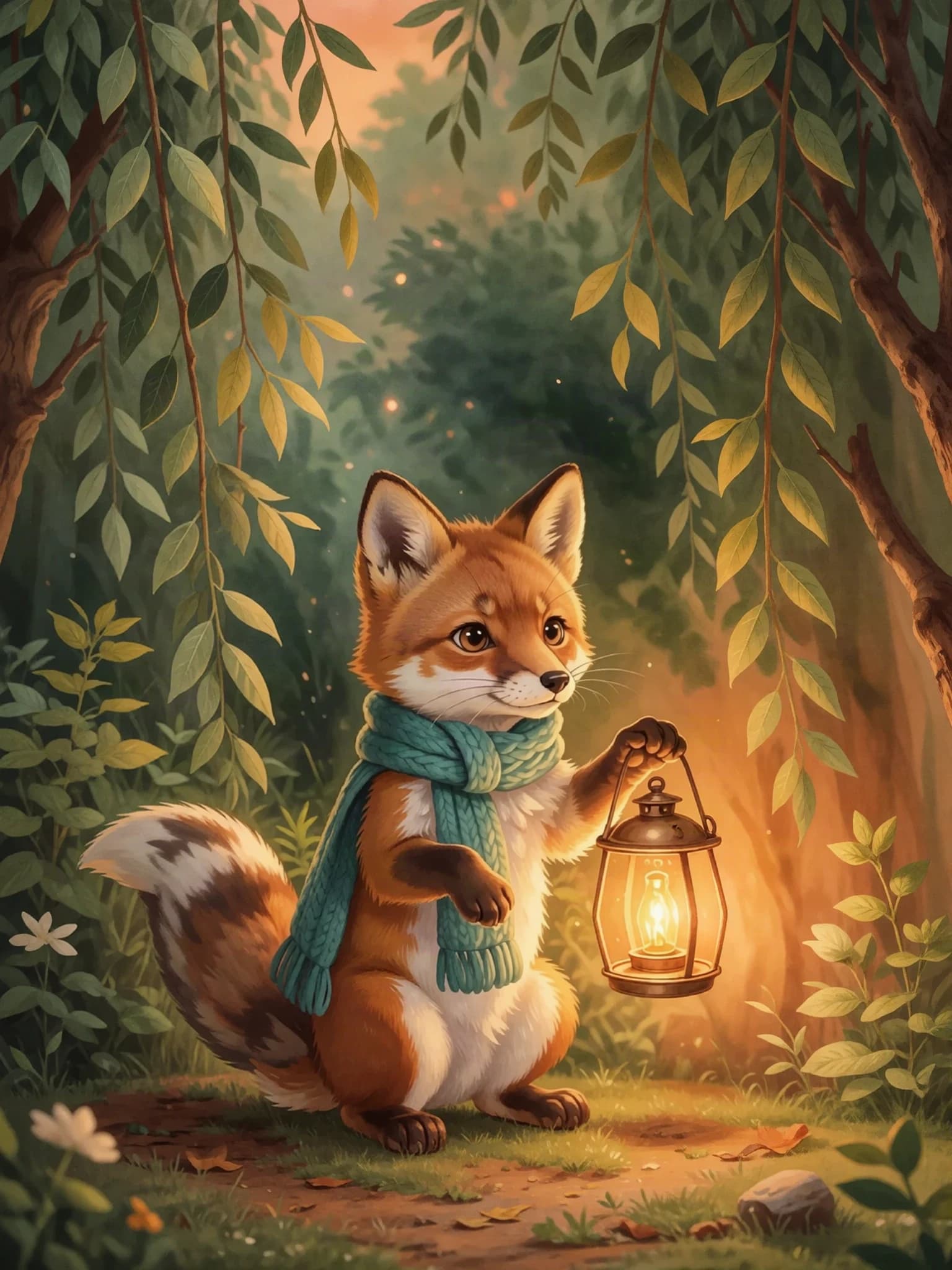
Under a tangle of willow roots, Fern found a lantern. He brushed away the leaves. ‘Someone must have a story for you,’ he whispered.
A little look inside
Under a tangle of willow roots, Fern found a lantern. Its glass was cloudy and its handle was cold. He brushed away the leaves. ‘Someone must have a story for you,’ he whispered.
The Lantern in Willow WoodSample created with Childbook.ai · Four illustrated excerpts
Under a tangle of willow roots, Fern found a lantern. He brushed away the leaves. ‘Someone must have a story for you,’ he whispered.
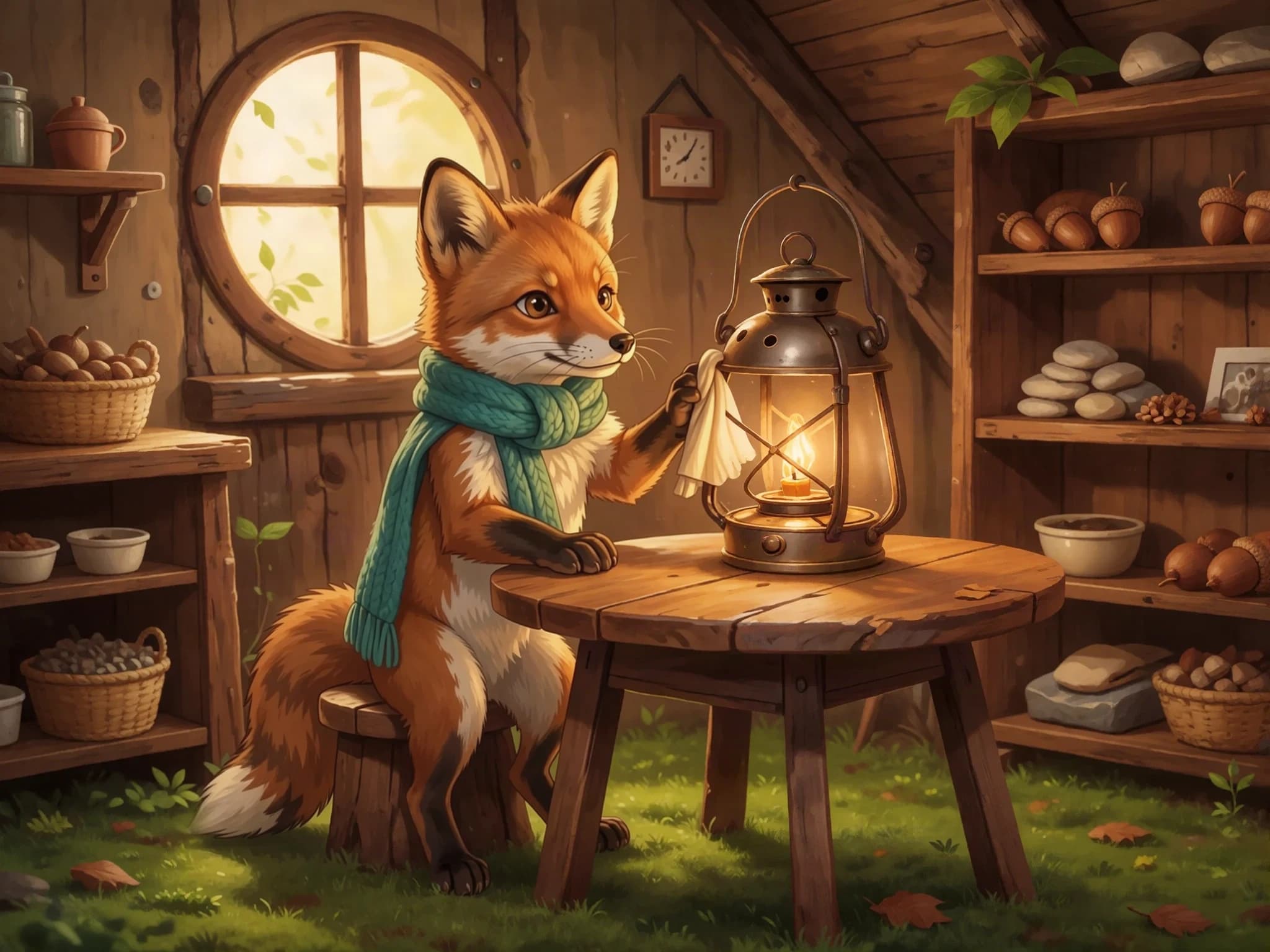
At home, Fern cleaned the cloudy glass. He polished the handle until it shone. The lantern was ready for another adventure.
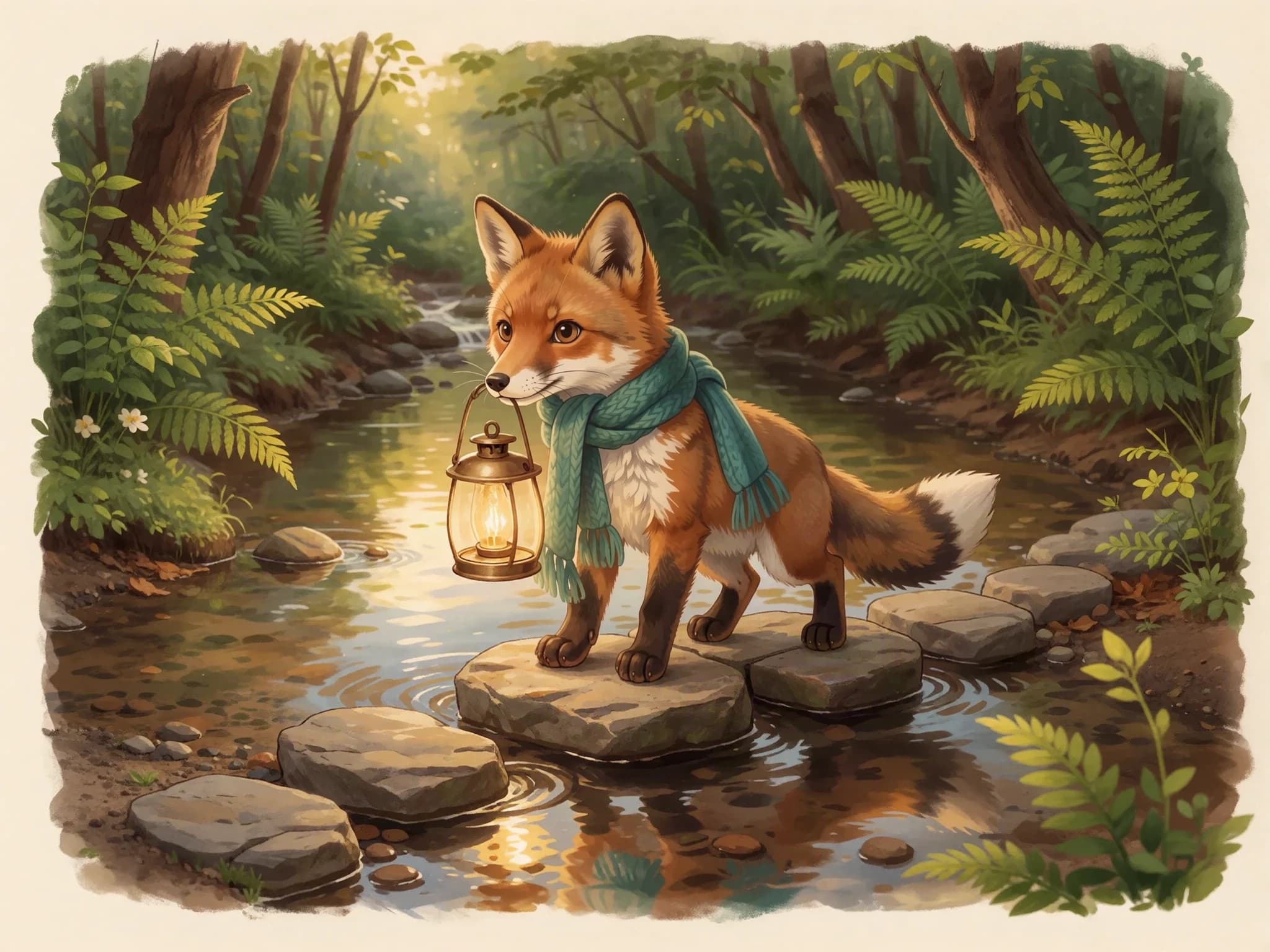
Fern carried the lantern over the stepping stones. Splash, step, wobble, step. Across the stream, he could hear his friends calling.
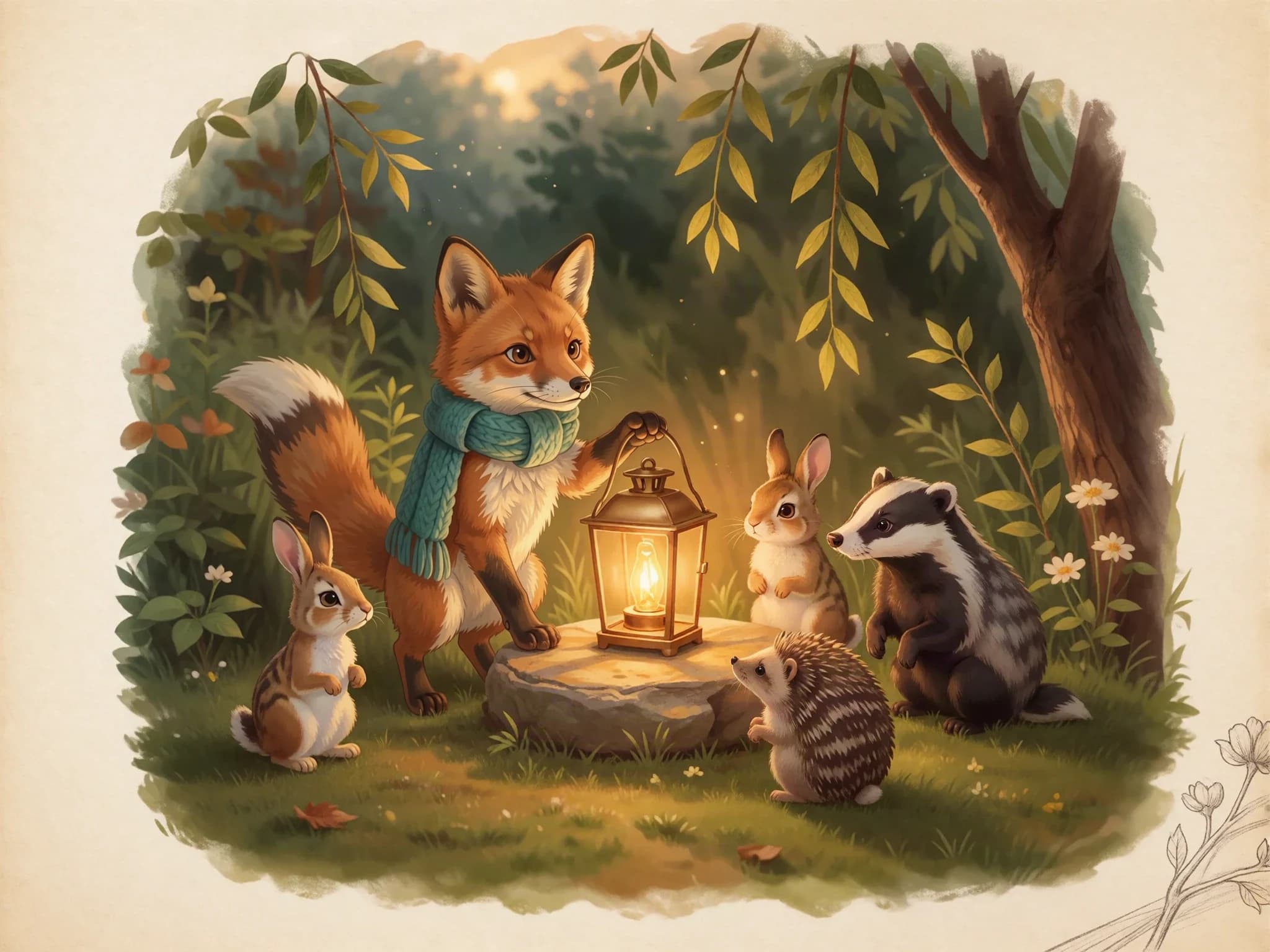
When evening came, Fern set the lantern in the clearing. His friends gathered close. The little light had found its story: a place for everyone to belong.
One cast, one story
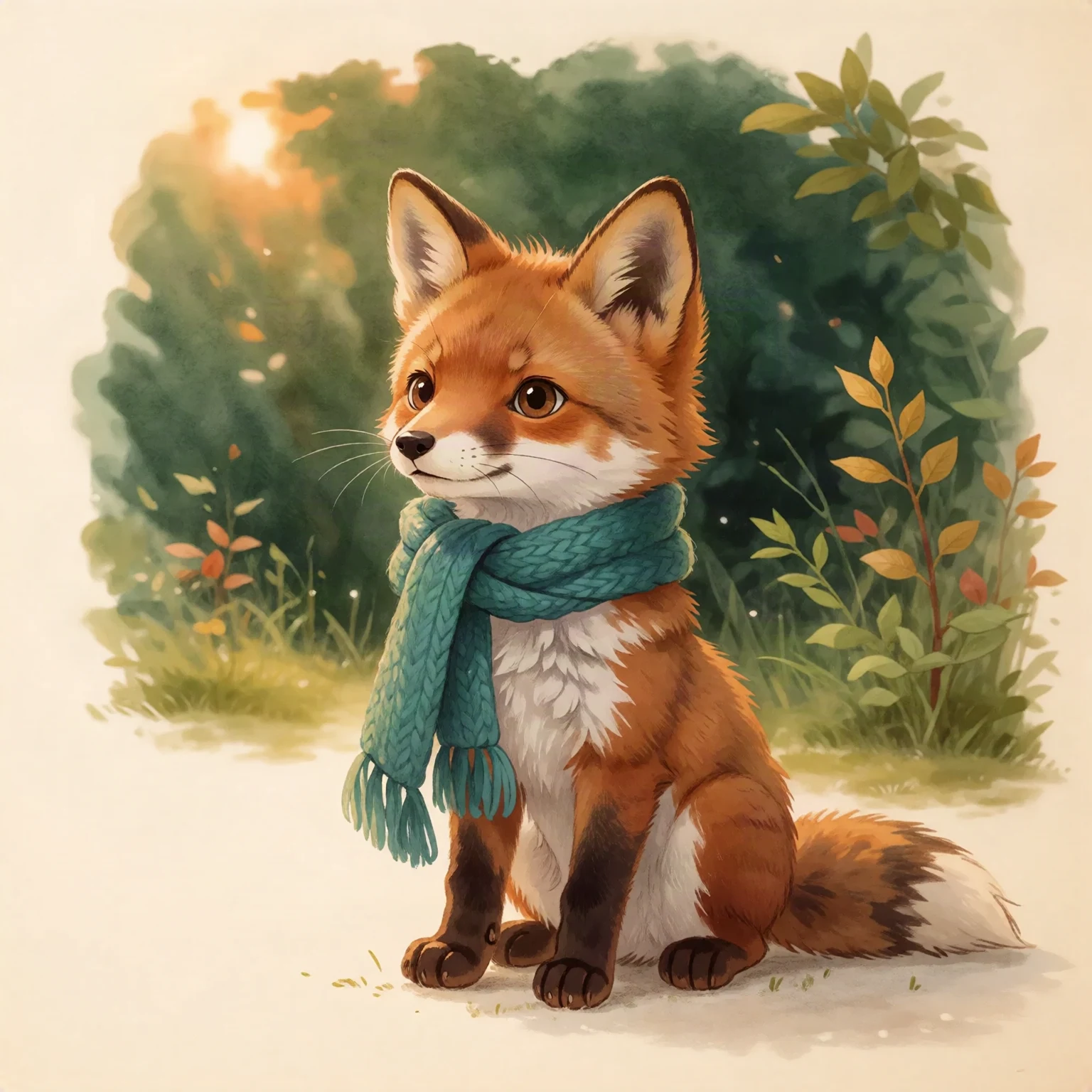
Fern’s character reference
Fictional demo character
The useful part
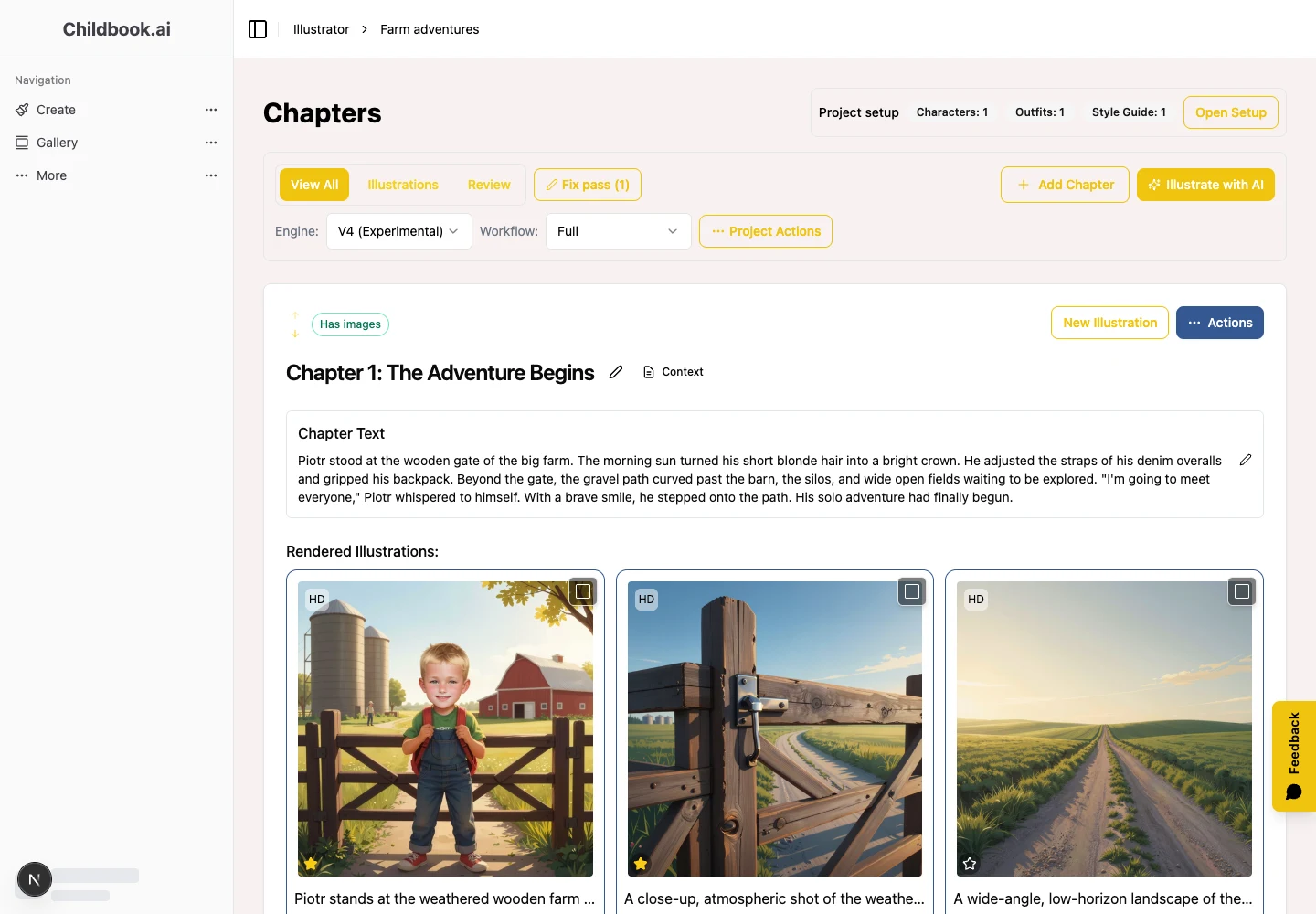
Childbook suggests scenes from your text. Select the moments that matter, or write your own scene caption.
Character definitions and a shared visual style guide give each illustration the same starting point. Review the results and refine the ones that need attention.
Generate another take on a scene, compare your options, and keep the version that best tells your story.
From the first idea to the final page
Create a project and paste your manuscript, chapter by chapter.
Describe the cast and set the visual direction for the project.
Review suggested scenes, adjust captions, and generate the artwork.
Choose your images and export them, or continue in the book editor.
Choose your starting point
The storybook generator can help turn your idea into text and illustrated pages.
Explore the full author workflow, available outputs, and the Business commercial-use license.
Beyond the preview
Yes. Create an Illustrator project, add your text chapter by chapter, define your characters, and choose the scenes you want to illustrate.
Adding text to Illustrator does not require rewriting it. You can work from your existing words and edit them when you choose.
The project reuses character definitions and a shared visual style. Review the generated images and regenerate individual scenes when details need refining.
Yes. Review scenes suggested from your text, select the ones you want, and edit or write the captions that guide generation.
Yes. You can generate alternative takes on a scene and choose your preferred image. Generation uses the illustration credits in your plan.
Export individual images, a ZIP, or an illustrated PDF, or continue in the book editor. Illustrator access is included in subscription plans. See current pricing for credits; Business includes the commercial-use license for eligible output.
Your next page starts here