

01
A discovery in the roots
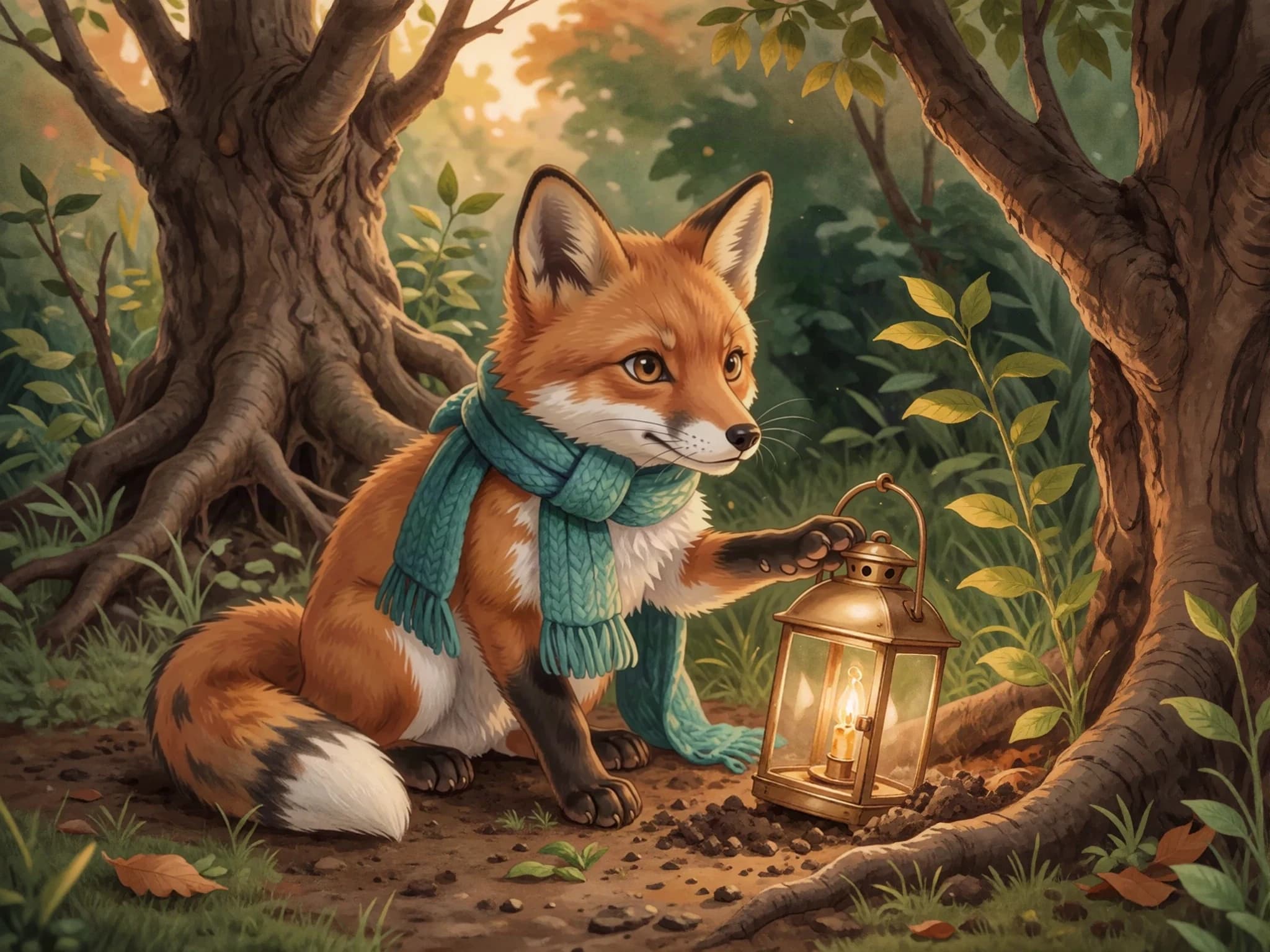
Under a tangle of willow roots, Fern found a lantern. He brushed away the leaves. ‘Someone must have a story for you,’ he whispered.
For independent authors
Develop the story, illustrate the pages, and make the layout your own. Review every part of the book, with clear output options and commercial-use requirements.
Sample created with Childbook.ai · Artwork and text you can review and edit.
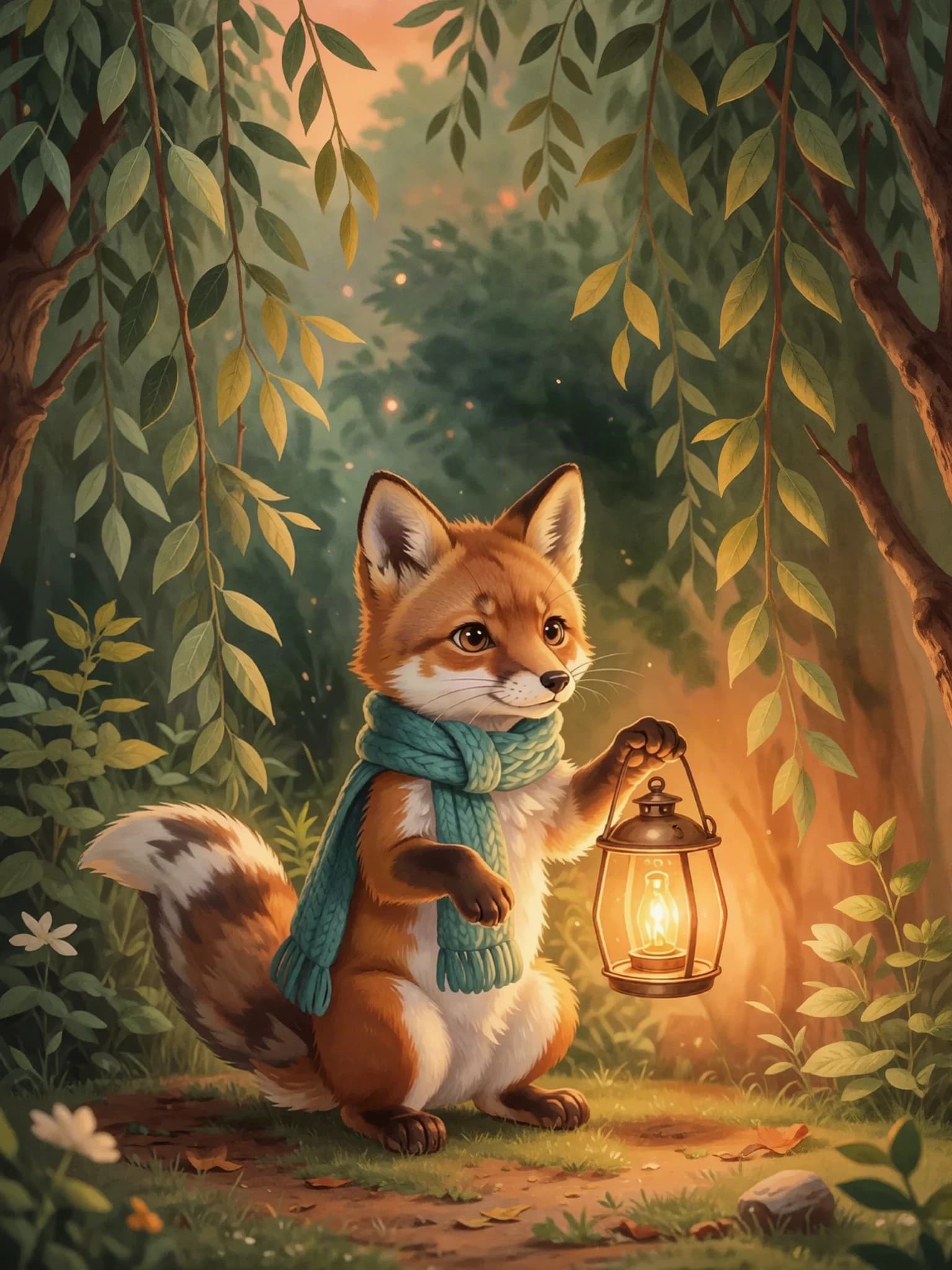
The Lantern in Willow Wood
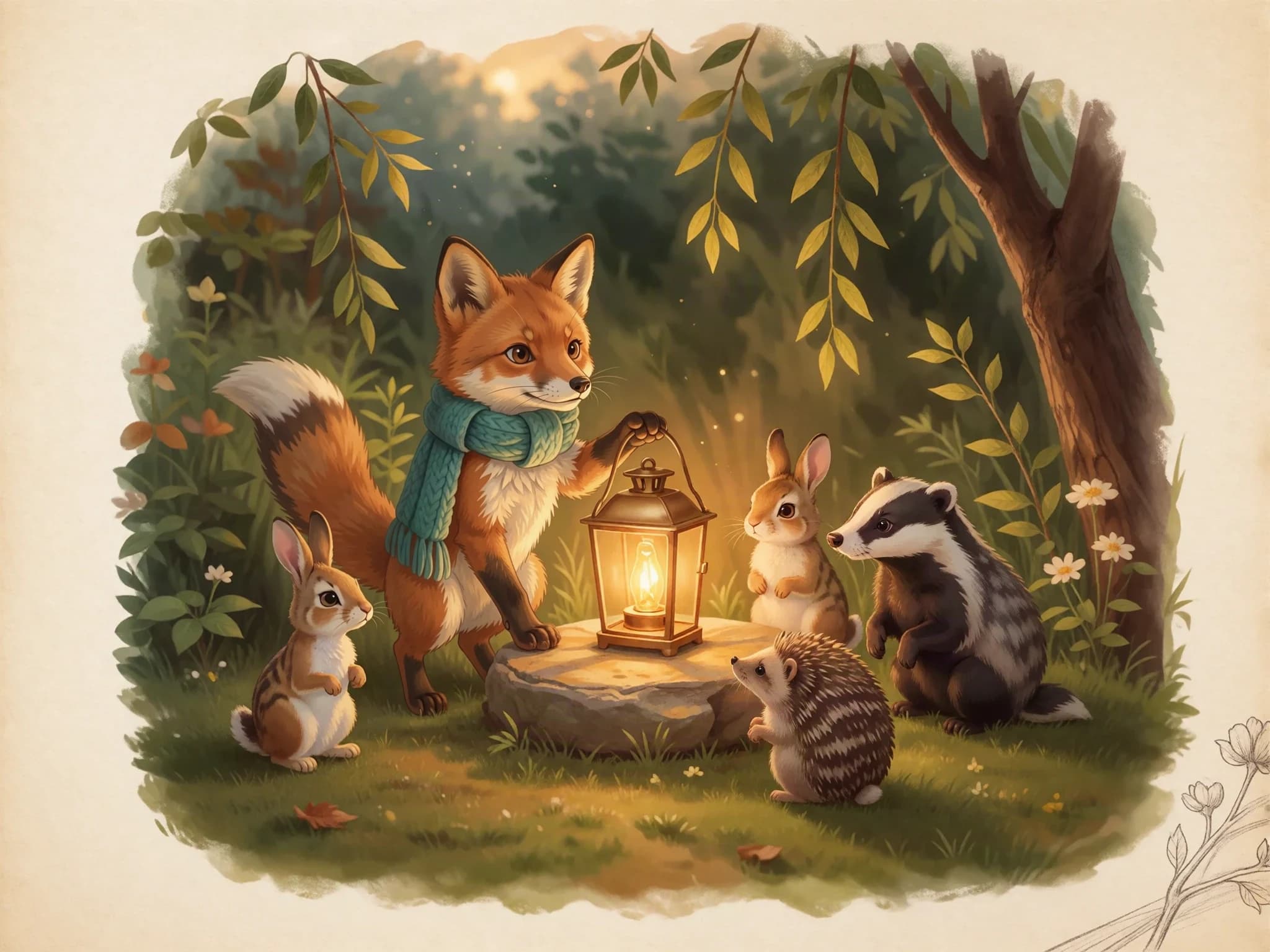
A cover, a cast of characters, and pages you can make your own.
A little look inside
A small fox finds an old lantern in Willow Wood. He takes it home, carries it across a stream, and discovers that a little light can bring a whole forest together.
The Lantern in Willow WoodSample created with Childbook.ai · Four illustrated excerpts
Under a tangle of willow roots, Fern found a lantern. He brushed away the leaves. ‘Someone must have a story for you,’ he whispered.
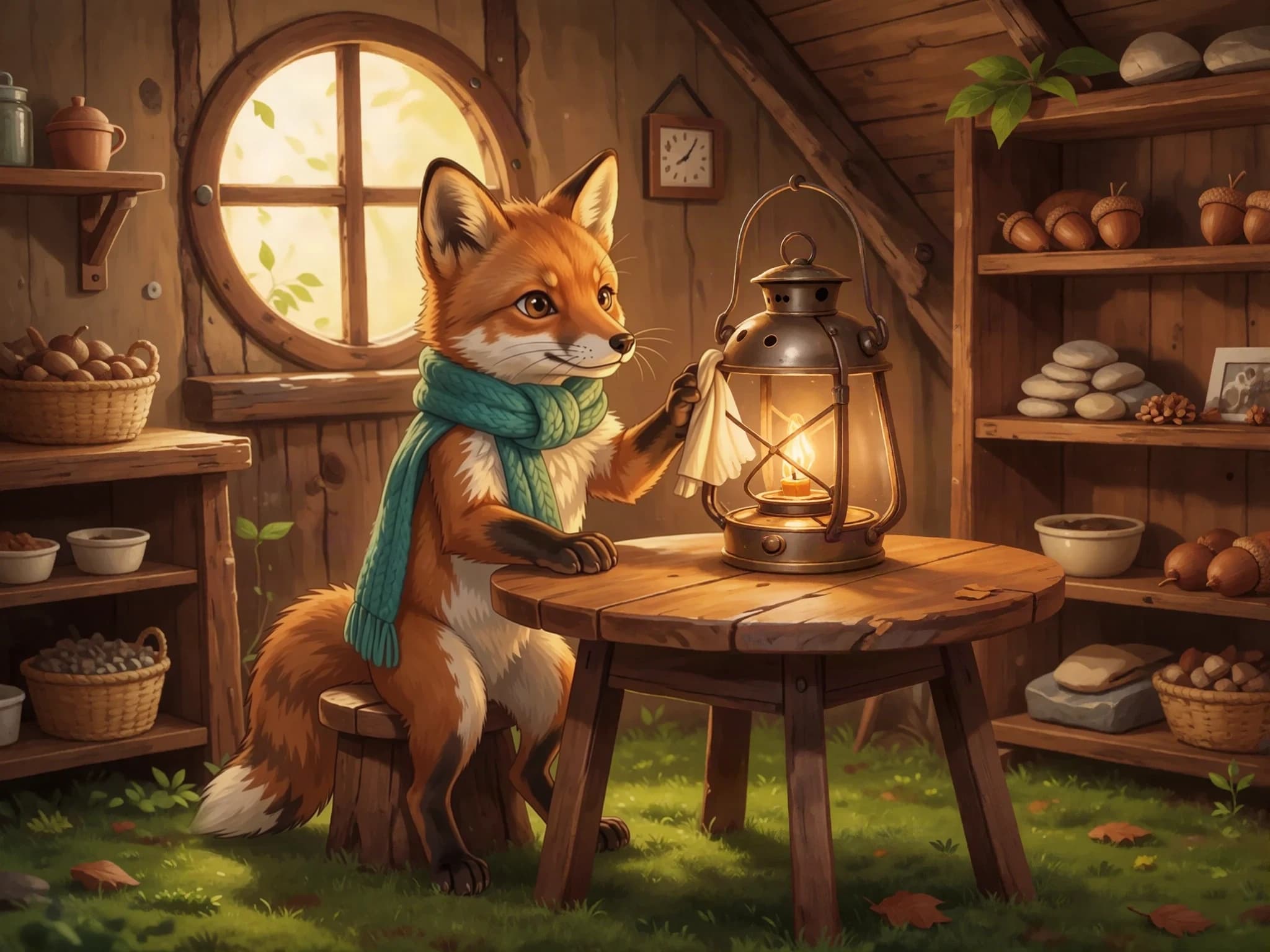
At home, Fern cleaned the cloudy glass. He polished the handle until it shone. The lantern was ready for another adventure.
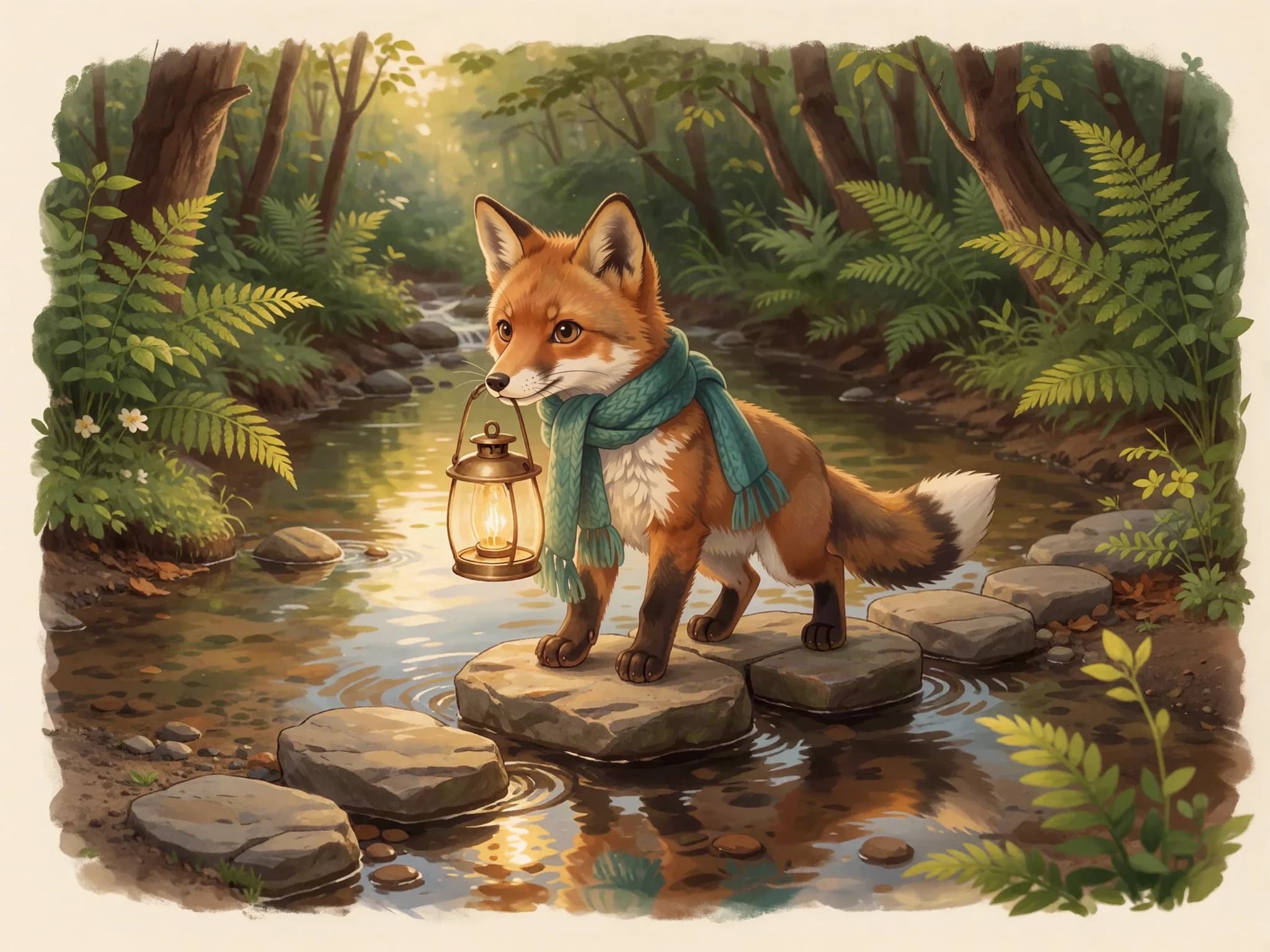
Fern carried the lantern over the stepping stones. Splash, step, wobble, step. Across the stream, he could hear his friends calling.
When evening came, Fern set the lantern in the clearing. His friends gathered close. The little light had found its story: a place for everyone to belong.
Two starting points
Describe the idea and develop an editable story with characters, illustrations, and a layout.
Bring your manuscript to Illustrator. Choose scenes from your text, then work on the artwork and finished book.
The useful part
Start from your manuscript or review an AI draft. Edit the wording, pacing, and details before you finish.
Define characters, set a visual style, and generate alternatives for scenes that need another take.
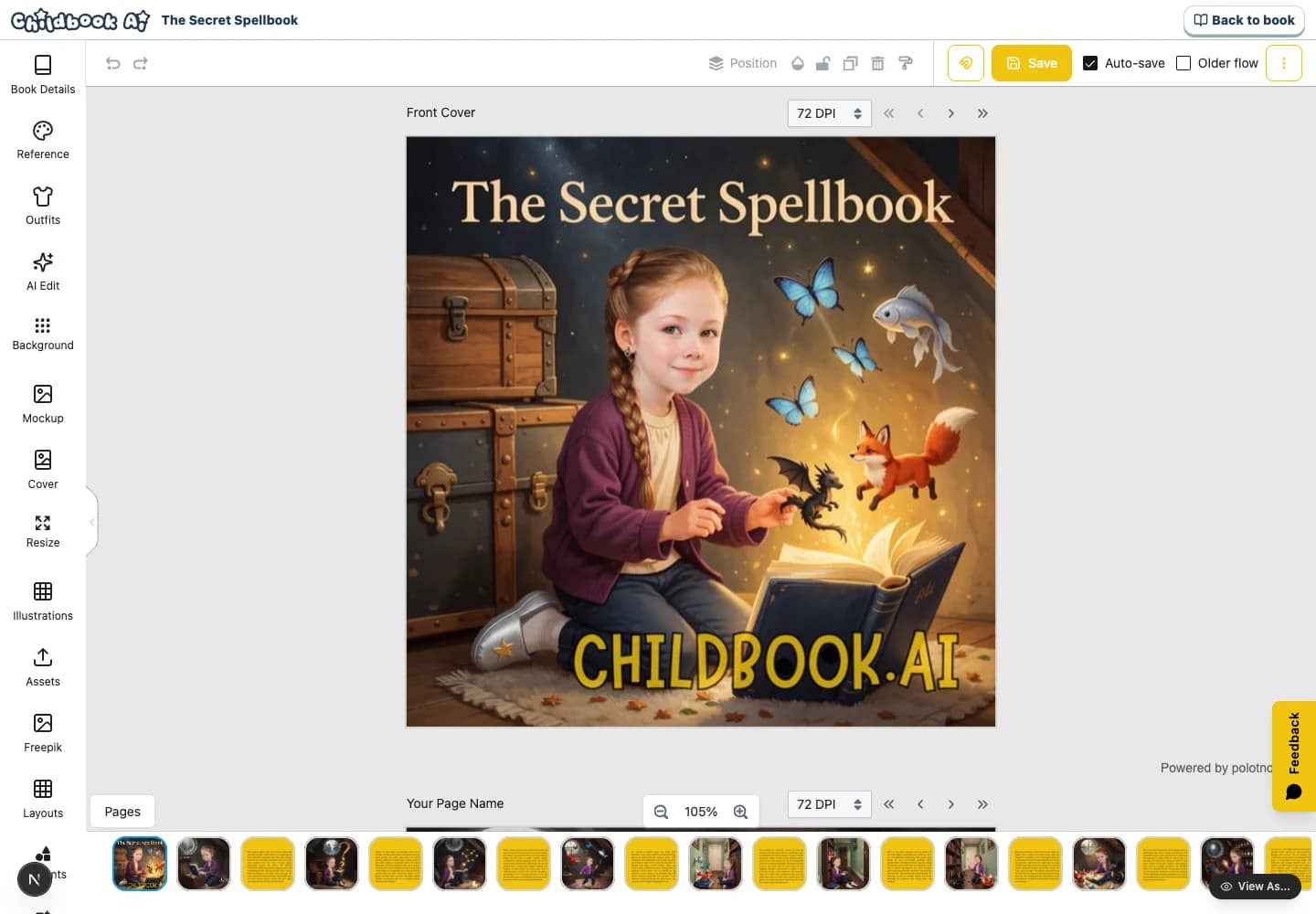
Adjust the text, artwork, cover, and layout in the book editor. Read the result as a book before exporting.
From the first idea to the final page
Bring a manuscript or develop an idea into an editable draft.
Define your cast and review the artwork across the story.
Refine the cover, page layout, text, and selected illustrations.
Proofread the finished pages and prepare the available output files.
Before you sell
Commercial-use license is part of Business. Personal creation and commercial production have different requirements.
Check the wording, images, page layout, and your rights to uploaded material before you distribute the book.
You manage distribution, retailer requirements, marketing, and sales. Check file specifications and AI-content policies with your chosen publisher.
Beyond the preview
Yes. Use Illustrator for existing text, then continue into the book editor to work on the cover and page layout.
Yes. Edit the text, adjust the layout, and generate alternative illustrations. You choose what goes into the finished book.
Business includes a commercial-use license for eligible output created while subscribed. Review the offer, terms, and rights to any material you upload before selling.
Depending on the workflow, you can download individual illustrations, a ZIP of images, and PDFs. Review the exported files against your publisher’s production specifications.
Eligible books can be quoted for print in supported destinations. Print, shipping, and applicable taxes are separate from your subscription. A proof copy is useful for reviewing the finished result.
You are responsible for preparing files that meet KDP’s current requirements and submitting the book yourself. KDP requires disclosure of AI-generated text, images, or translations. Childbook does not guarantee retailer acceptance.
Your next page starts here